
HP Photosmart 5514 e-All-in-One Ink Cartridges
-

 £8.00 offFree Delivery
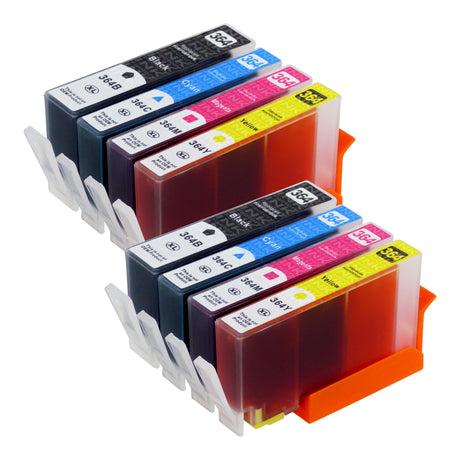
Premium Compatible HP 364XL Ink Cartridge Multipack for HP Photosmart 5514 e-All-in-One
£19.99£27.99Unit price /UnavailableView product: Premium Compatible HP 364XL Ink Cartridge MultipackBuy 1 Get 1 Free · Free UK delivery over £15
-
£6.00 off
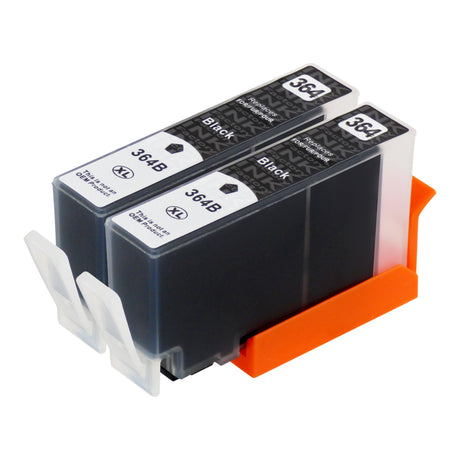
Premium Compatible HP 364XL Black Ink Cartridge for HP Photosmart 5514 e-All-in-One
£12.99£18.99Unit price /UnavailableView product: Premium Compatible HP 364XL Black Ink CartridgeBuy 1 Get 1 Free · Free UK delivery over £15
-

Ink for the HP Photosmart 5514 e-All-in-One
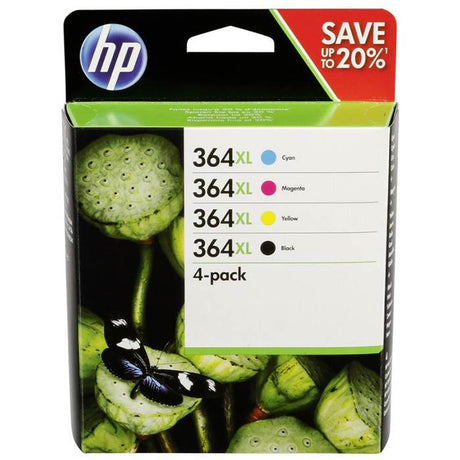
The HP Photosmart 5514 e-All-in-One uses HP 364 ink cartridges in black, cyan, magenta and yellow.
Our replacement ink for the HP Photosmart 5514 e-All-in-One
Every cartridge we sell for this printer is the XL size. XL cartridges fit the Photosmart 5514 e-All-in-One in the same way as the standard size and hold more ink. The multipack has two of each colour under our Buy One Get One Free offer, and the black cartridge also comes two for the price of one.
You may see this printer written as HP 5514.
How do I clean the print head on the HP Photosmart 5514 e-All-in-One?
From the home screen, press the right key, then go to Setup, then Tools, then Clean Printhead.
Source: HP's guide for this printer series.